Google Business Profile guide: how to stand out on Google Maps
How to set up and verify a Google Business Profile, pick categories, add real photos and posts, handle reviews and keep your details identical everywhere.

To stand out on Google Maps, a cafe, restaurant, spa, clinic or local service business in Istanbul needs a verified, complete and current Google Business Profile. Google ranks local results mainly on relevance, distance and prominence. Distance is fixed; the rest depends on the right category, real photos, regular posts, answered reviews and identical contact details everywhere.
Short answer: Verify the profile with your real name and address, pick the most specific category, upload your own recent photos, reply to every review and keep your contact details identical everywhere. Healthcare businesses should use it for information only.
Setting up and verifying the profile
Claim your existing Maps listing, if any, then get the basics right:
- Name: the name on your sign, not your legal company name. Extras like “best breakfast in Kadıköy” can get the profile suspended.
- Address: where customers actually come, never a virtual office. In an arcade or upstairs, add the floor and entrance.
- Service area: businesses that visit customers, such as home physiotherapy, hide the address and list the districts they serve.
- Phone: a direct line that matches your website, plus WhatsApp if you use it.
Google picks the verification method: phone, text, email, a live video call or, increasingly, a recorded video. The video must be continuous and unedited and show a nearby street sign, your business sign and a staff-only area such as the till or kitchen, without customers’ faces. The business should own the profile; give agencies and staff manager access instead of your password.
Categories, hours and description
The primary category is the strongest relevance signal. Choose what the business is, not what it sells, as specifically as possible: a breakfast category for a breakfast-led venue, or “spa” for a venue with a hammam and massage rooms, with hammam and massage as extra categories. Google wants as few categories as possible.
Describe what you do, for whom and where, without links or promotions. Tick attributes such as outdoor seating or wheelchair access, and enter holiday hours in advance. Google has removed the questions and answers section from profiles; AI now increasingly answers questions about places from these fields, reviews and your website (see What is GEO?).
Priorities by type of business:
| Business type | Put forward | Watch out for |
|---|---|---|
| Cafe and restaurant | Menu, ordering or booking link, terrace photos | No promotion of alcoholic drinks |
| Spa and wellness | Described services, room photos, booking link | Outdated photos |
| Clinic and healthcare | Address, hours, registered specialties, parking and access | No discounts, campaigns or patient testimonials |
| Local services | Service areas, service list, the team at work | Hide the address; no virtual offices |
Photos, posts and menus
Real photos
Customers judge a place by its photos. Google wants them to reflect reality and may feature any of them instead of your cover, so every shot must hold up. Include:
- The exterior with a readable sign, seen from the street customers use
- The entrance, and the route to it in an arcade or upstairs
- The interior in daylight and at busy times
- Signature dishes and best sellers
- Spa and clinic rooms and equipment, without guests’ or patients’ faces
- The team at work, with their consent
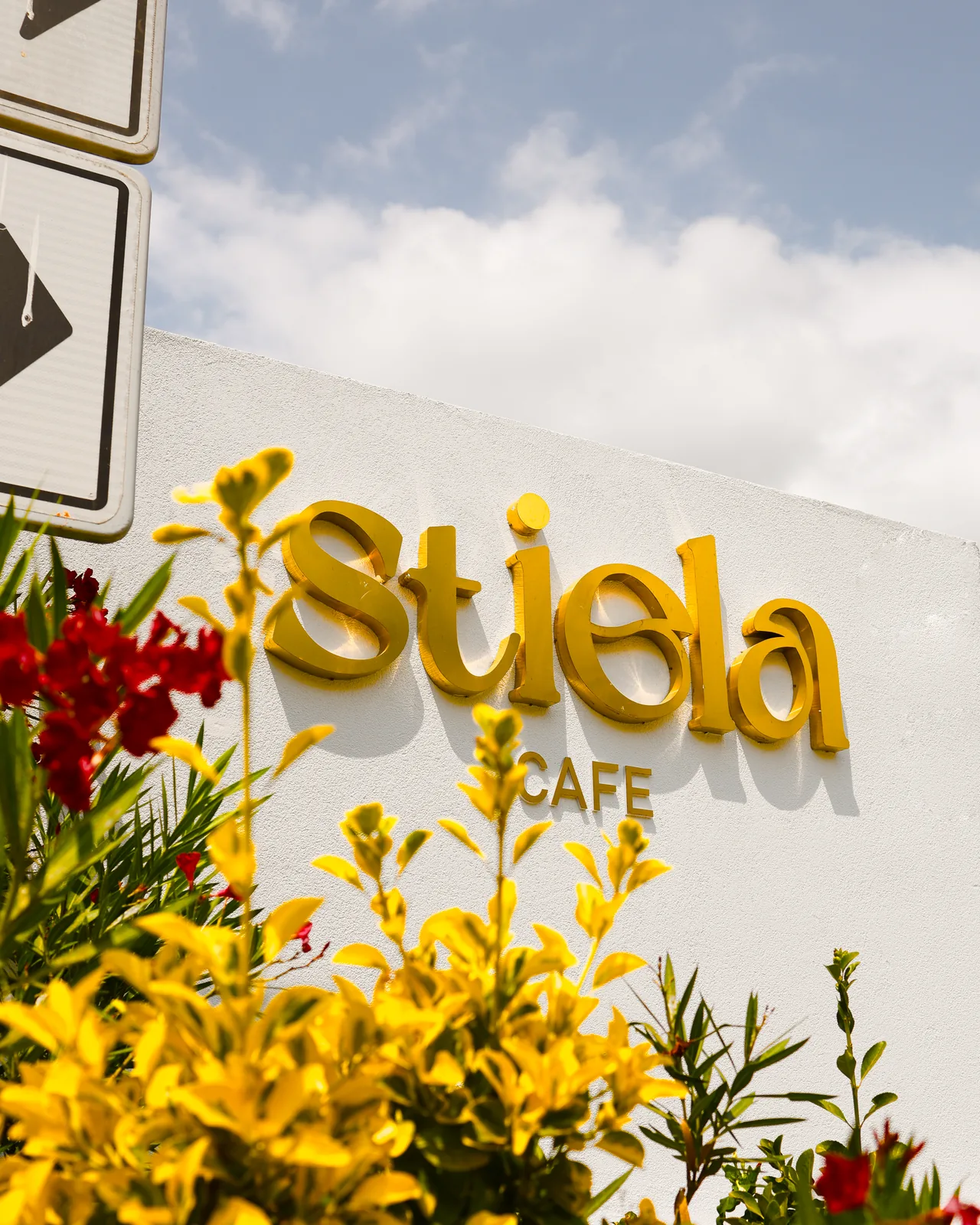
For product and food shots, see our product photography guide.
Posts
Updates, offers and events can carry a photo and a button such as book or order. Undated posts are archived after a while, so plan them around seasons and special days such as Ramadan, Eid and New Year, drawing on the content calendar from your social media management. Alcohol promotion breaks Turkish law and Google’s post rules alike.
Menus, products and services
Enter your menu as text, not as a photo, using the item names from the venue, and link to your QR menu page. Opticians and bakeries can add products; spas and clinics should describe every service, since listing classic massage, aromatherapy massage and hammam ritual separately makes a spa more relevant to massage searches. Add an appointment link if your category allows it.

A note for healthcare businesses
Turkey’s healthcare advertising rules limit promotion to information; search engine listings are fine if they aren’t paid, sponsored or boosted. We work with healthcare brands in aesthetics, urology, physiotherapy and optics, and recommend:
- No offer posts, discounts or campaigns
- No patient testimonials or before-and-after images
- Only registered titles and specialties, never “best” or “guaranteed”
- Review replies that never confirm someone is a patient
Reviews and replies
Asking for reviews is allowed, and Google says positive reviews and helpful replies help a business stand out. Put your review link or QR code on the bill, a table card or an after-visit message, and ask every customer the same way. Google’s rules forbid:
- Discounts, treats or gifts in return for reviews
- Asking only happy customers, or discouraging negative reviews
- Staff review quotas, or asking customers to name staff
- Pressuring customers to review on the premises
- Reviews from employees, family or friends
Reply to every review. Thank people by mentioning what they liked, and answer complaints calmly and briefly, moving the conversation to the phone or WhatsApp without sharing personal details.
The same name, address and phone number everywhere
Google cross-checks your details on your website, social media, map apps and directories. If they differ, neither Google nor AI assistants can tell which is right, and customers call the old number. Write a reference sheet with the exact spelling of your name, your address in a fixed order (neighbourhood, street, building number, floor, district) and your phone number with the country code, and settle on spellings such as “Kafe” or “Cafe”. Check it against:
- Your website footer, contact page and structured data
- Edits Google suggests on your profile
- Instagram, Facebook and WhatsApp Business profiles
- Apple Maps, Yandex Maps and Bing
- Ordering and booking platforms
Give every branch its own profile under the same brand name, linked to its page on your website; UTM parameters on that link separate Maps visits in your analytics. If you move, update everything at the same time rather than opening a new profile.
We shoot venue and product photos at your venue with our own crew; see our photo and video production service.
Frequently asked questions
How do I verify my Google Business Profile?
Google offers methods such as phone, text, email, a live video call or a recorded video, depending on business type and region. A video must be continuous and unedited, showing your location, your sign and a staff-only area.
Can I pay Google to rank higher on Maps?
No. Google states that local ranking can’t be bought. Ads appear separately, labelled “Sponsored”; organic ranking depends on relevance, distance and prominence.
Can I delete a negative review?
No. You can report fake, off-topic or abusive reviews from your profile, and Google removes those that break its policies.
Can clinics post campaigns on their Google Business Profile?
No. Turkey’s healthcare advertising regulation bans discounts, campaigns and promotions. Clinics should share address, hours, specialties and health information only, with no patient testimonials or before-and-after images.