Corporate website guide: what a company website should have
What a corporate website needs: speed, mobile use, clear service pages, trust signals, SEO and structured data, KVKK texts, analytics and an easy panel.

A good corporate website tells visitors what you do, who it is for and how to reach you, on a phone screen, the moment it opens. The checklist below reflects what we look at when building sites for spa and wellness, sports, healthcare, manufacturing, retail, cafe and restaurant brands.
Short answer: Make it fast and phone-friendly, give each service a page, put calls and WhatsApp a tap away, show real photos, build in technical SEO, structured data and KVKK texts, track key actions and keep it easy to update.
Speed and mobile use
Most visitors arrive on a phone, from your Instagram bio, Google Maps or WhatsApp, often on mobile data, and leave if the page hangs. Google measures this with Core Web Vitals: loading of the largest element (LCP), response to taps (INP) and layout stability (CLS).
Usual culprits: photos uploaded straight from a phone, heavy autoplay videos, piles of chat widgets and tracking scripts. Converting images to WebP, lazy-loading lower images and removing unused plugins help most. Before launch, test on a real phone over mobile data:
- Can you read the text without zooming and tap buttons easily?
- Does the phone number start a call, and does the WhatsApp button open the right chat?
- Do phone fields open a number pad and email fields a keyboard with @?
- Does a cookie banner or chat bubble hide the page?
A structure that explains your services
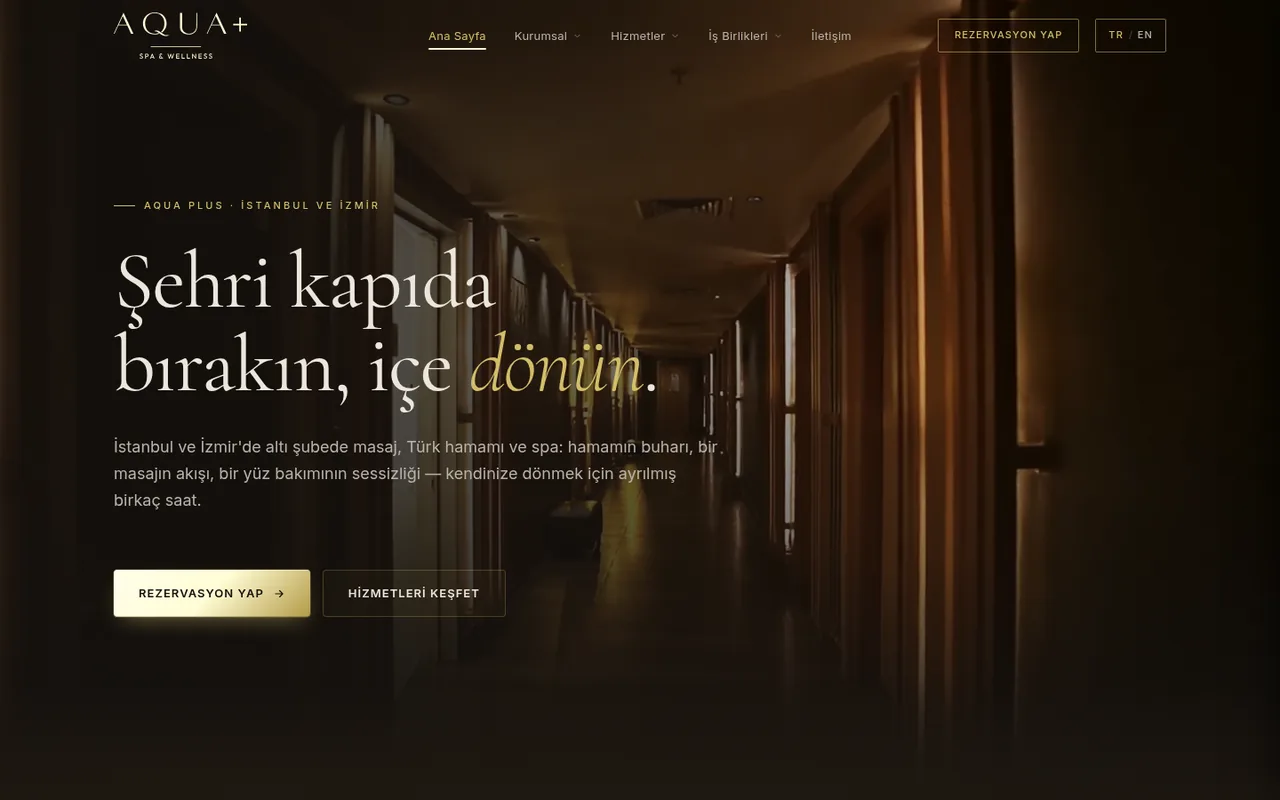
The top of the home page should say what you do, for whom and where, and what the visitor should do next. “Physiotherapy and rehabilitation clinic in Kadıköy” says far more than “Shaping tomorrow together”.
Give every service its own page. Google ranks pages, not websites, so a search for “laser hair removal” shows a page about exactly that, and each ad campaign gets a relevant page to land on. Cover the scope, who it suits, the process, real visuals, common questions and a clear next step.
| Page | What it needs | Common mistake |
|---|---|---|
| Home | What you do, for whom and where; key services; a contact button | Nothing but a slogan and a slider |
| Service pages | A page per service: scope, process, visuals, questions | Every service squeezed onto the same page |
| Contact | Phone, WhatsApp, email, address, map, opening hours, a short form | A form and nothing else |
| Legal pages | KVKK privacy notice, privacy and cookie policies, terms of use | Texts copied from another site |
Match menu labels, headings and URLs (a “Physiotherapy” page at /services/physiotherapy) and group services in a dropdown.
Contact details and trust signals
A visitor ready to get in touch shouldn’t have to search. Put a contact or booking button in the header, contact details in every footer, and call and WhatsApp buttons fixed to the bottom of the mobile screen. Keep forms to name, phone and message: extra fields put people off and, under KVKK, collect data you don’t need.
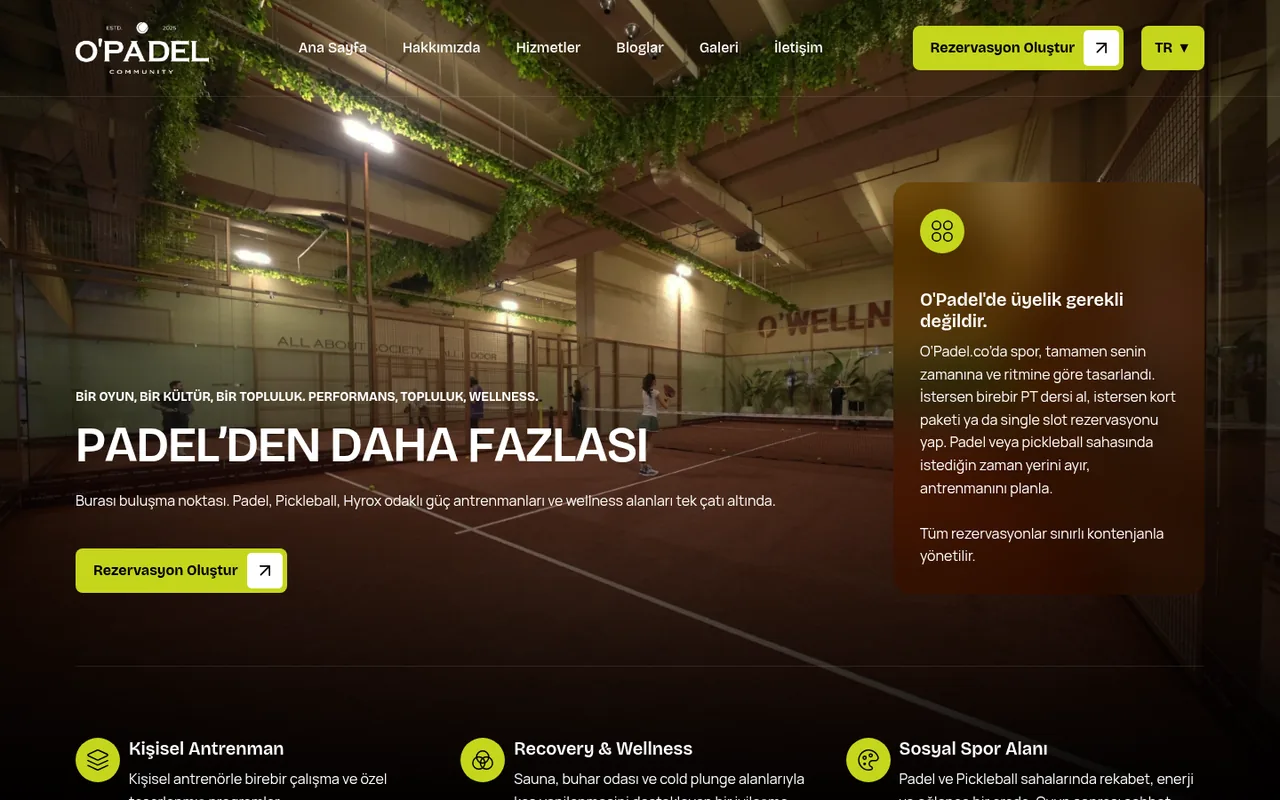
Trust comes from evidence. Visitors look for:
- Real photos of your premises, team and work, not stock images.
- Client logos used with permission and real project examples.
- A link to your Google reviews, and the same address and phone as on your Google Business Profile.
- Your registered company name, address, opening hours, certificates and HTTPS; for healthcare brands, the doctor’s specialty.
Clinics and doctors face extra rules: patients’ thanks can’t be used in promotion, before-and-after images have strict conditions, and information pages must show their last update and the site editor’s contact details. See healthcare advertising rules in Turkey.
SEO basics and structured data
Before launch, make sure the site has:
- A unique title tag and meta description for each page.
- A clear main heading and logical subheadings.
- Readable URLs, descriptive image file names and alt text.
- An XML sitemap in Google Search Console and a robots.txt that doesn’t block key pages.
- HTTPS everywhere, and permanent redirects from old URLs when you replace a site.
- Separate URLs for each language, linked with hreflang tags.
Structured data describes a page in a form machines can read, using Schema.org as JSON-LD. The core set is Organization or LocalBusiness markup with your name, logo, address, phone, opening hours and social profiles (or a type such as DaySpa or MedicalClinic), BreadcrumbList, Article and FAQPage. Test it with Google’s Rich Results Test.
It won’t lift rankings by itself, but it helps Google and AI assistants understand who you are, as our GEO guide explains. Matching your address and phone across the site, the markup and your Google Business Profile helps local search too.
KVKK, cookies, analytics and the admin panel
KVKK and cookie texts
Collecting personal data through forms or newsletters means informing people under KVKK, Turkey’s data protection law. Link these texts from every footer:
- A KVKK privacy notice (aydınlatma metni) on what you collect, why, who receives it and people’s rights, linked under every form.
- A separate, unticked box for consent to campaign emails or text messages.
- A cookie policy and banner: under the Personal Data Protection Authority’s guidance, analytics and ad cookies need explicit consent, with “Accept” and “Reject” equally visible and those cookies off until consent.
- A privacy policy and terms of use.
Write these texts for your own practices instead of copying them, and have a lawyer review them. Symptom or treatment fields in a booking form collect health data, a special category under KVKK; drop them unless needed.
Analytics
Install Google Analytics and Search Console before launch, since Analytics can’t show earlier visits. Track the actions that bring business as events: form submissions, phone taps, WhatsApp clicks, direction requests. For Google or Meta ads, connect them as conversions (see our conversion tracking guide) and fire tags only after cookie consent.
An admin panel your team can use
Most work after launch is small edits; if each needs a developer, the site goes stale. Check that:
- Text, images, services, team, projects and FAQs can be edited without code.
- Each page and post has SEO title and description fields.
- Uploaded photos are resized automatically; oversized uploads often slow sites down.
- Turkish and English sit side by side, with previews and regular backups.
Also check ownership: the domain, hosting, panel, Analytics and Search Console accounts should be in your company’s name. We build fast, mobile-friendly, SEO-ready corporate sites with an easy admin panel; see web design and development.
Frequently asked questions
Which pages should a corporate website have?
A home page, a page for each service, about, references, contact and the legal texts: KVKK privacy notice, privacy and cookie policies, terms of use. A blog answering customers’ questions helps attract search traffic.
Is a KVKK notice mandatory for a company website?
Yes, if the site collects personal data through a form or newsletter. With analytics or advertising cookies, you also need a cookie policy and a banner that asks for explicit consent.
How do I measure my website’s speed?
Run the page through Google’s PageSpeed Insights and check LCP, INP and CLS in the mobile result. After launch, follow the Core Web Vitals report in Search Console, which is based on real-user data.